Get Toast
Use Download above (or pick macOS / Windows). On Mac, open the DMG and drag Toast into Applications. On Windows, run the Setup.exe.
 Toast
Contact Me
Toast
Contact Me
brew tap asitkhanda/toast-tap
brew trust asitkhanda/toast-tap
brew install --cask toast-app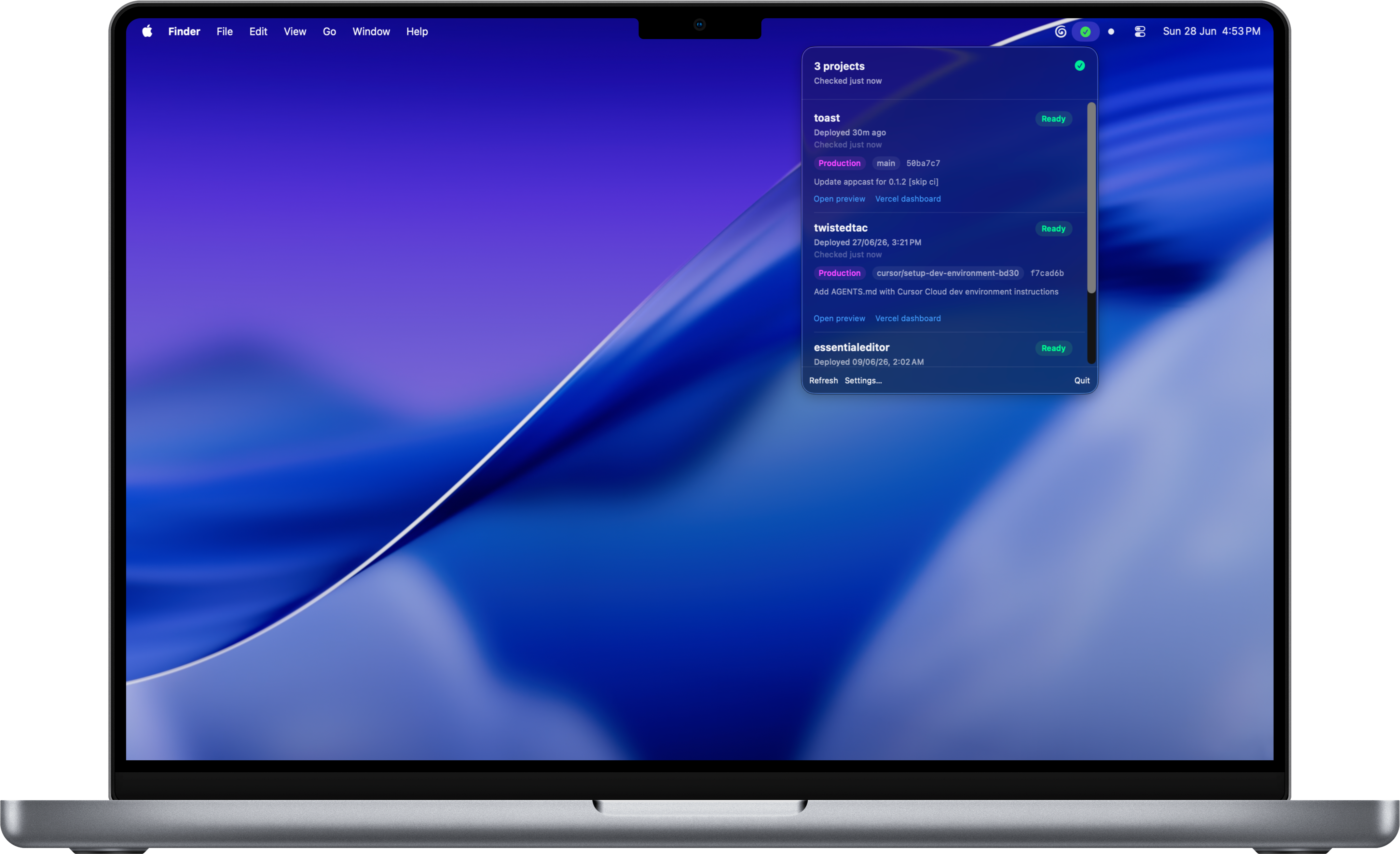
macOS: Developer ID signed and Apple-notarized DMG. Windows: run the Setup.exe from the same release (Velopack installer). Both keep your Vercel token in the OS secret store.
Use Download above (or pick macOS / Windows). On Mac, open the DMG and drag Toast into Applications. On Windows, run the Setup.exe.
Launch Toast from Applications (Mac) or the Start menu (Windows). It lives in the menu bar / system tray.
Older Mac downloads: right-click Toast → Open → Open once.
Paste a read-only, team-scoped Vercel token, pick projects to watch, and optionally enable notifications and launch at login.
macOS tip: How to Open Toast.txt is on the DMG. Prefer Homebrew? Use the install card above.